

Introduction
At the beginning of 2024, I led a research initiative that shaped our team’s planning and priorities for the year. The goal was to deeply understand user needs, align our work with team objectives, and identify the most valuable opportunities for improvement.
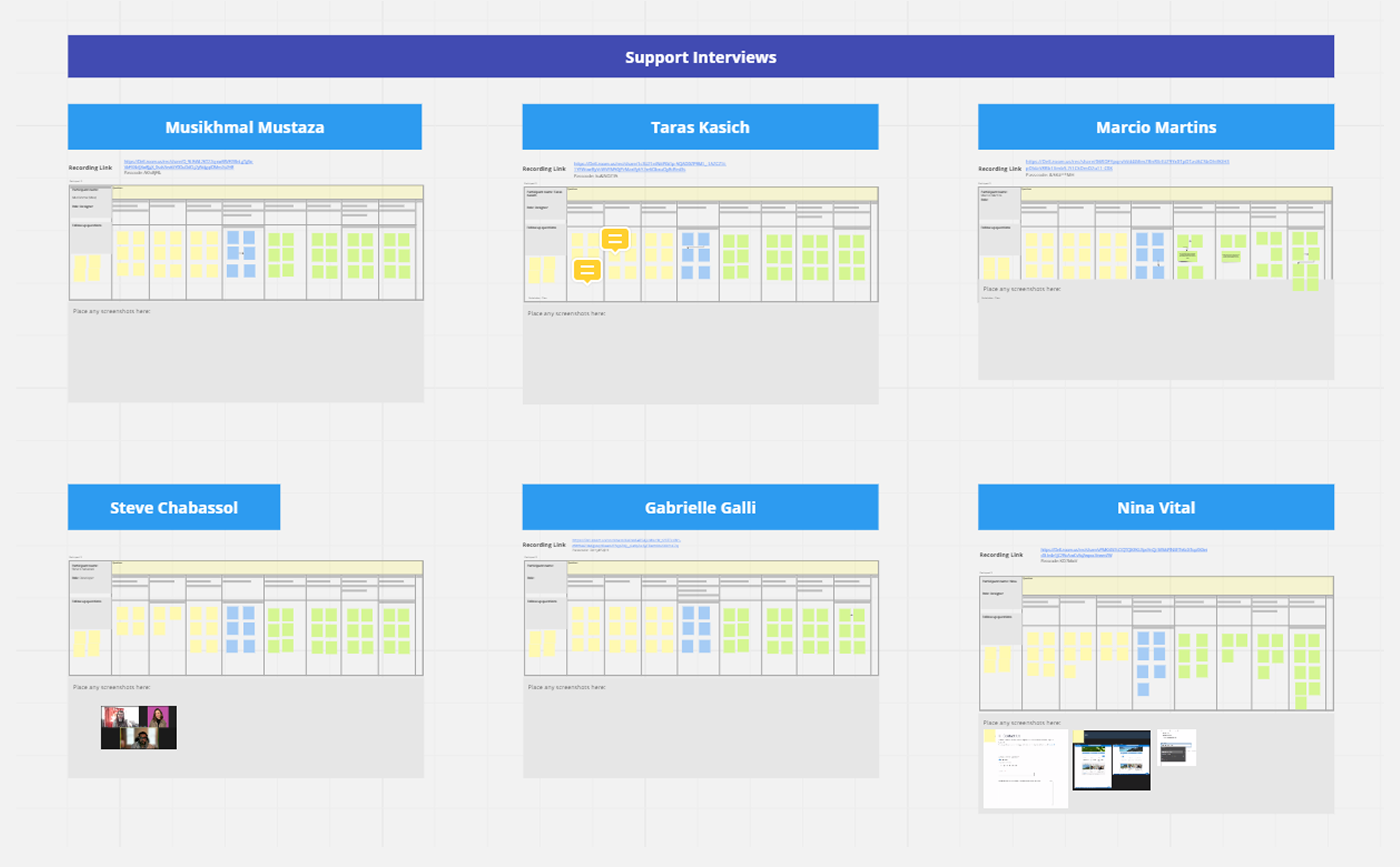
It’s important to highlight that this was a collaborative effort, everything we accomplished was as a team. While I didn’t do this alone, as the lead I was actively involved in decision-making and defining the research methodologies. Together, we gathered insights from usability tests, 25 user interviews, surveys, and product analytics, and centralized all findings in one accessible location.
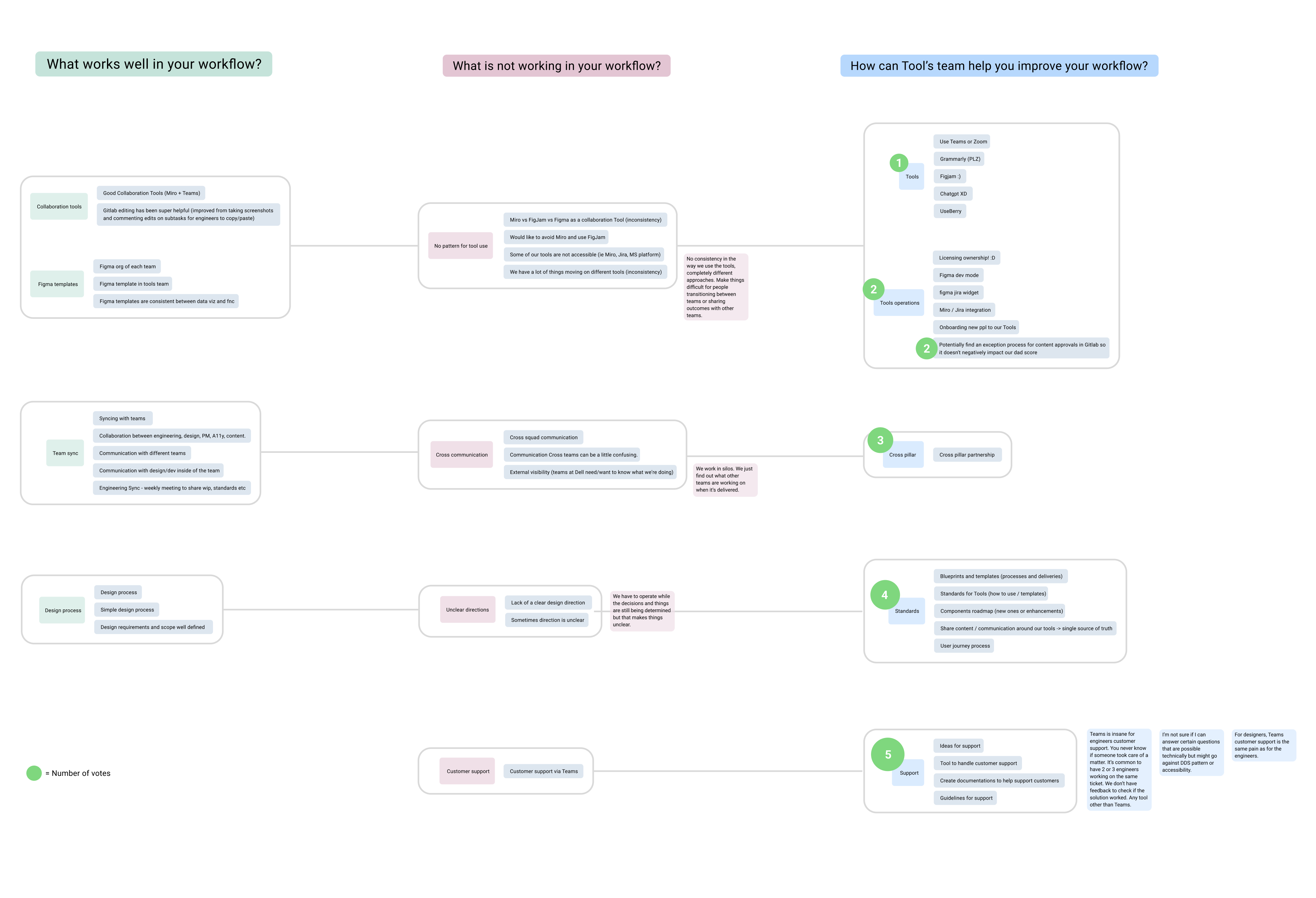
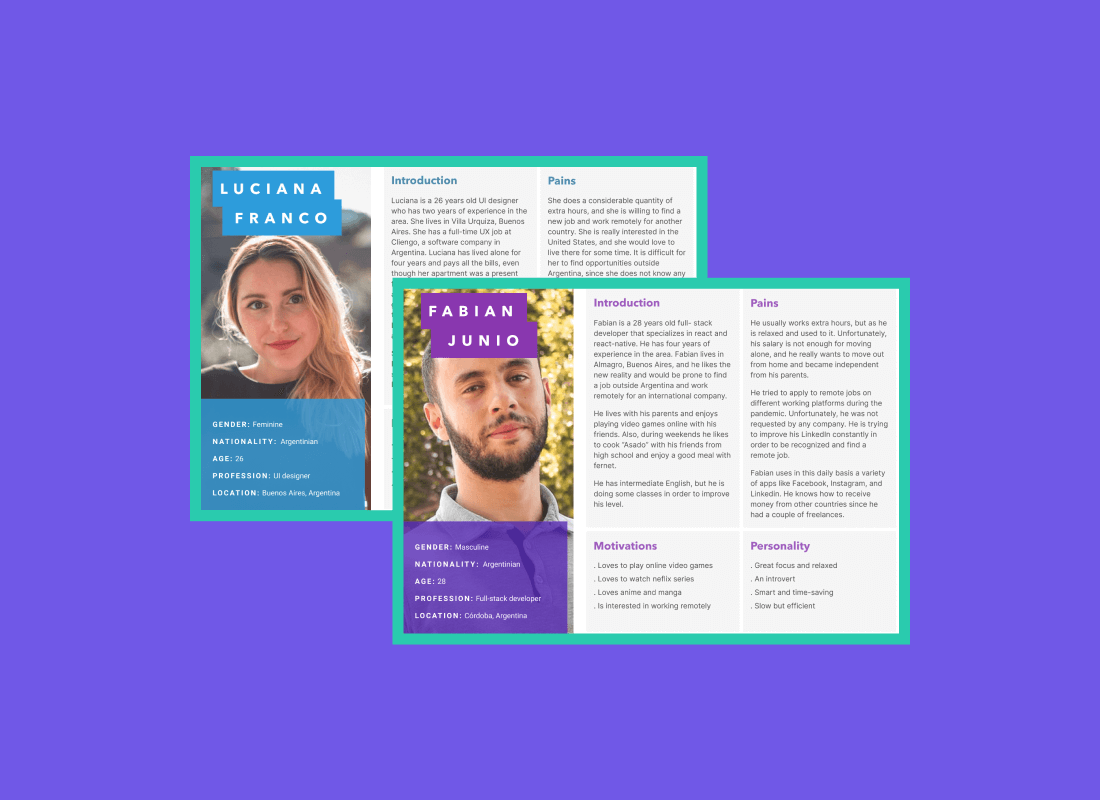
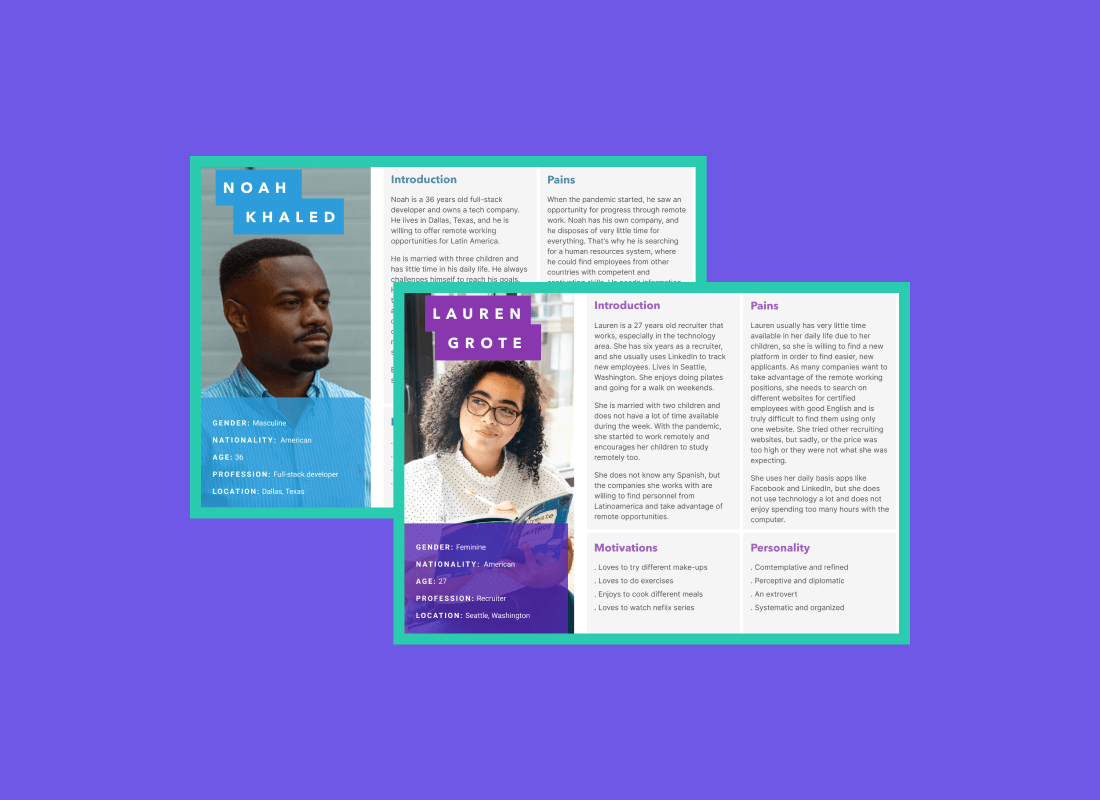
We also facilitated several workshops and created detailed user personas based on real data. These personas helped us uncover key pain points, user needs, and behavioral patterns, grounding our strategy in evidence rather than assumptions.
As a result, we were able to:
- Prioritize tasks using impact vs. effort assessments
- Focus on initiatives that would deliver the most value to users and the business
- Identify 10 high-priority features and complete or actively progress 8 of them by the end of the year
Uncovering a Real Problem: Support
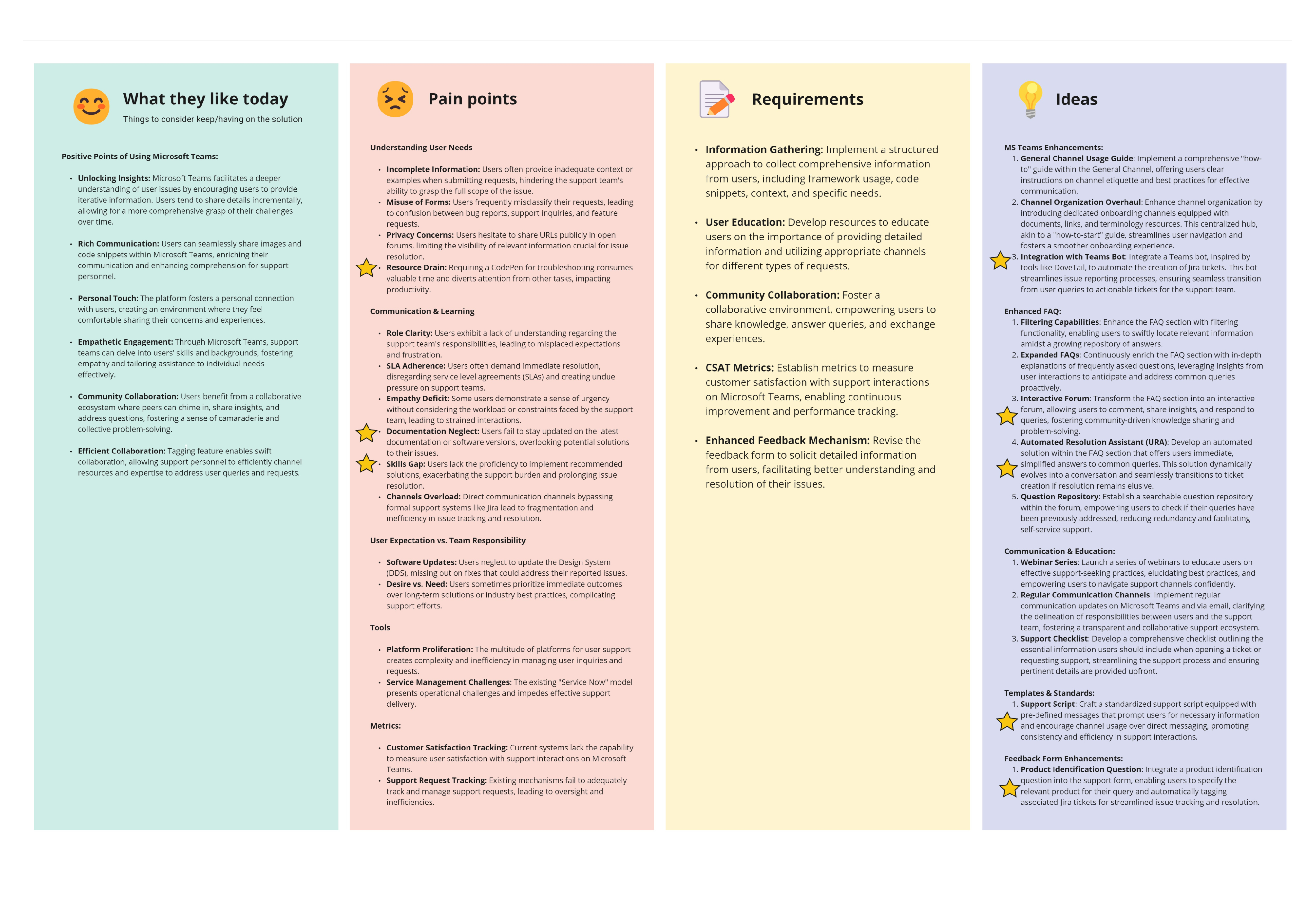
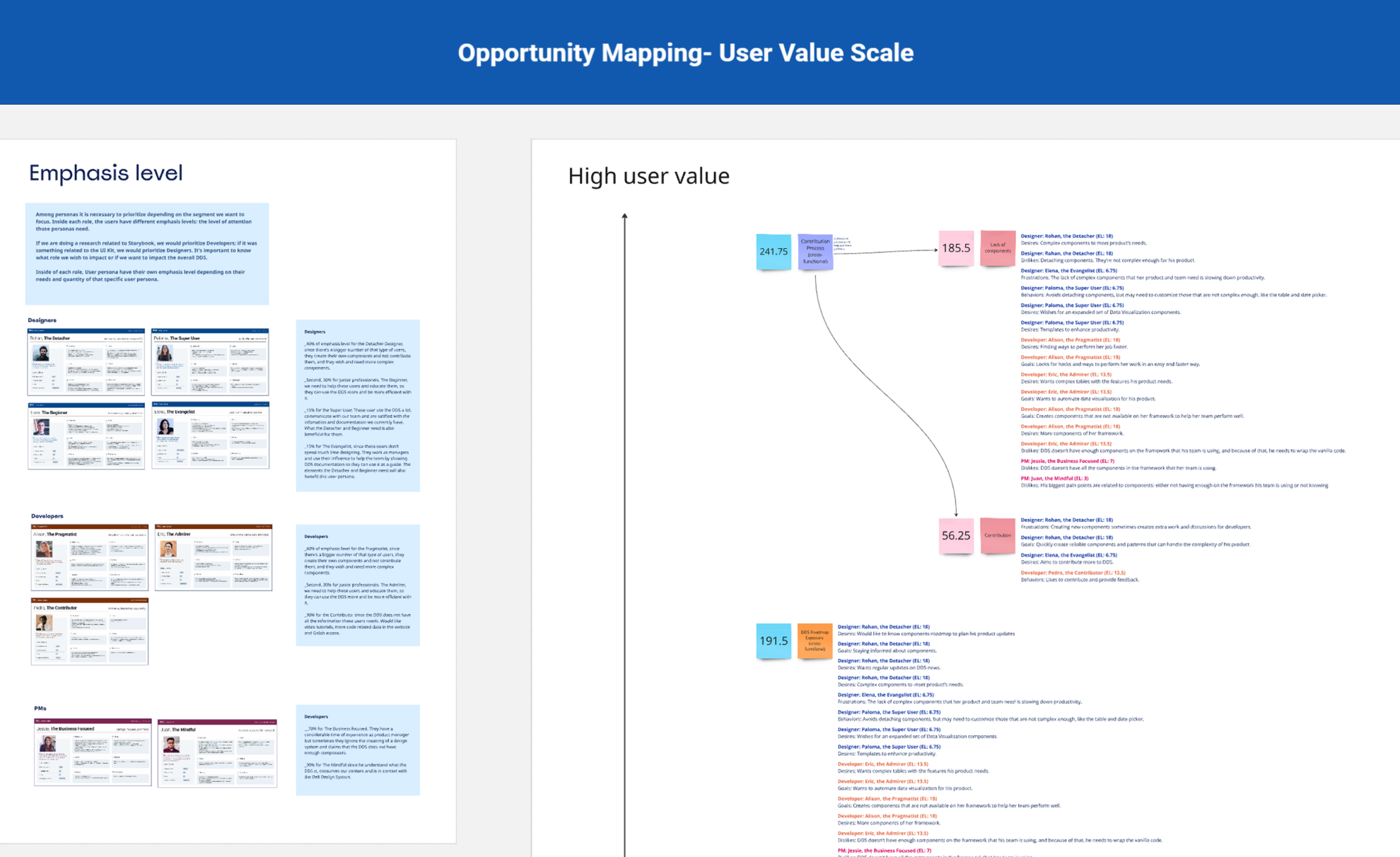
During internal workshops with DDS team members and stakeholders, support emerged as a most voted topic and primary pain point for the team. It was also present in the User Value Scale of features Research I mentioned previously.
Key issues included:
- Lack of code examples
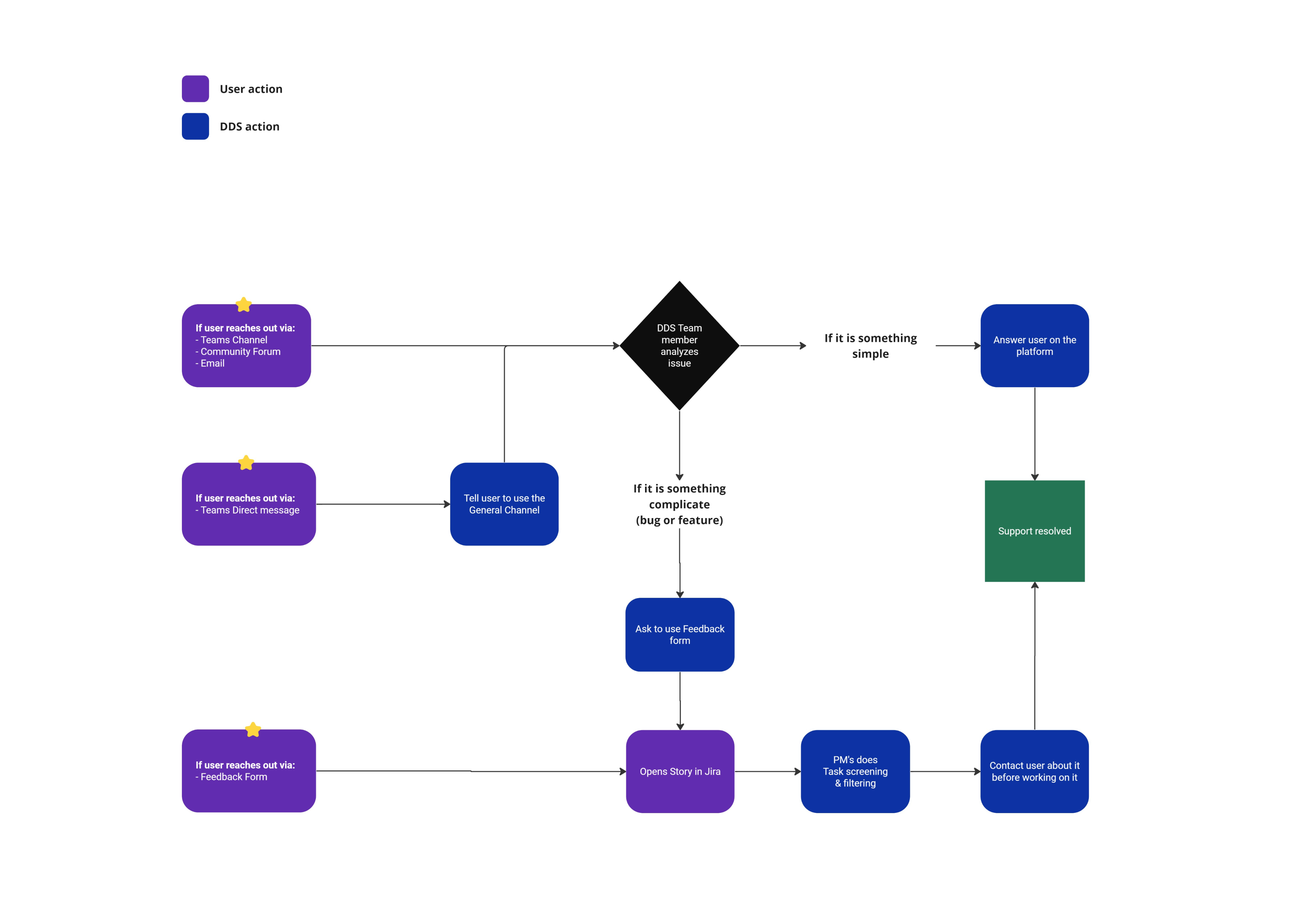
- Unclear support user journeys
- Repeated questions in Teams
- High volume of direct messages to support
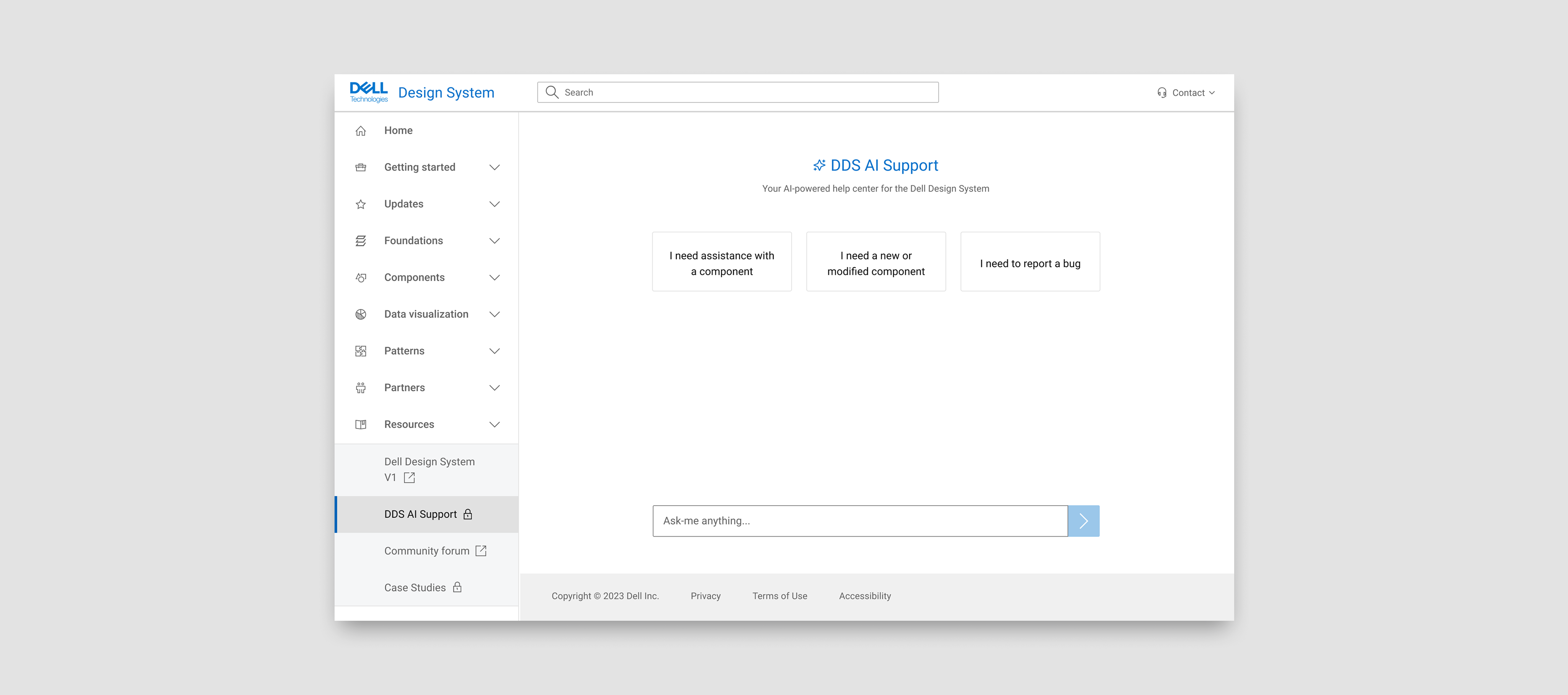
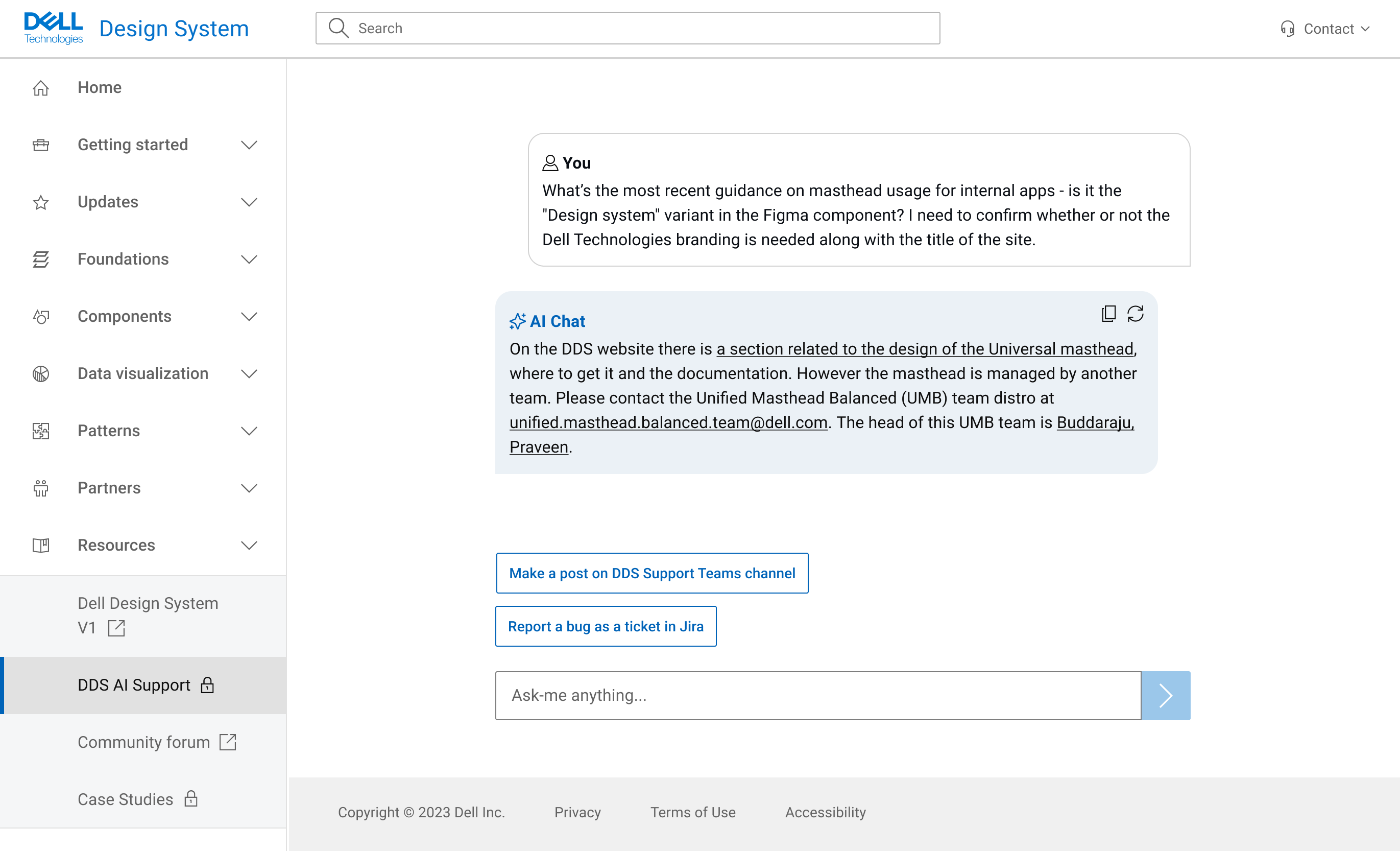
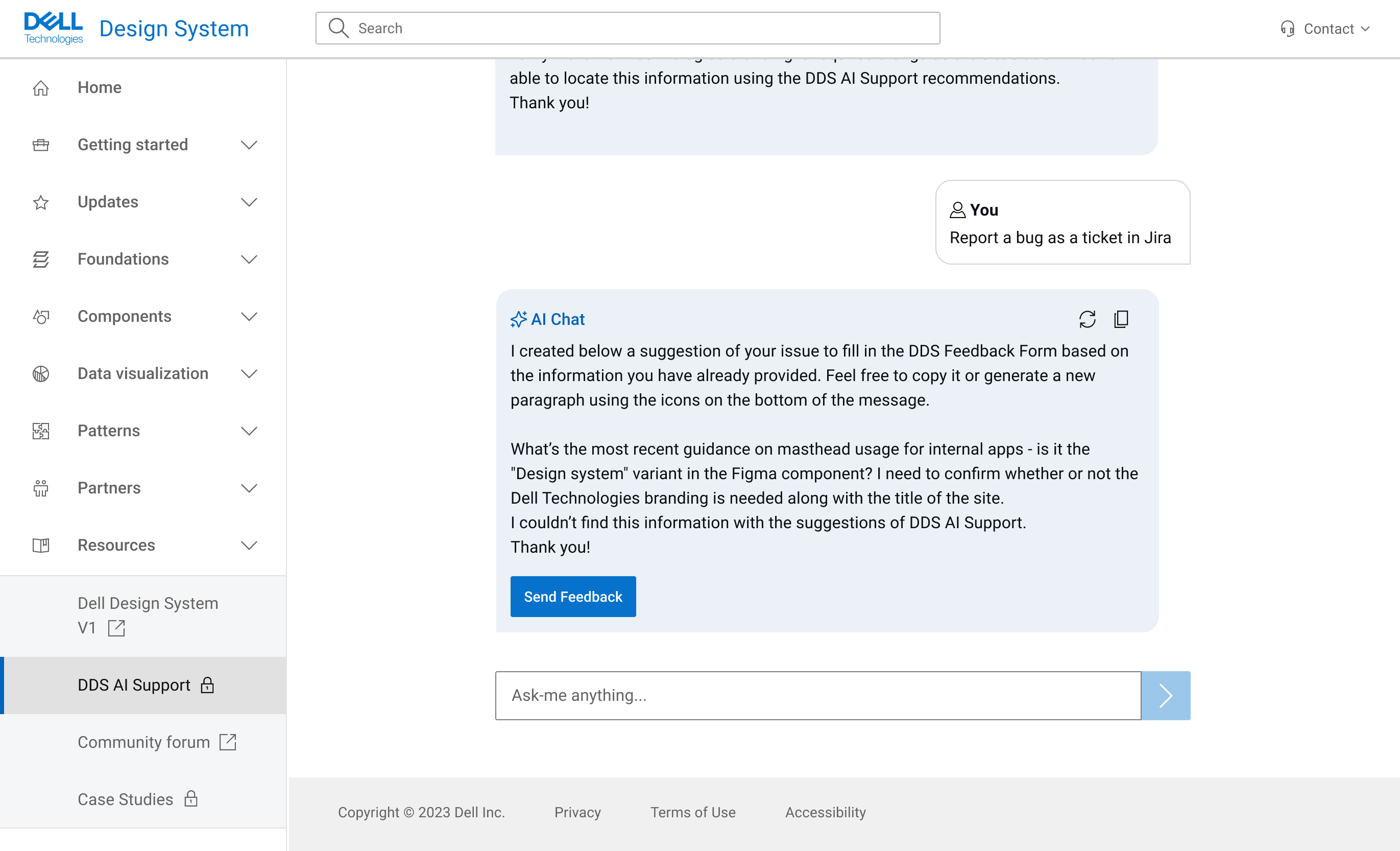
- No dedicated tool to manage support efficiently
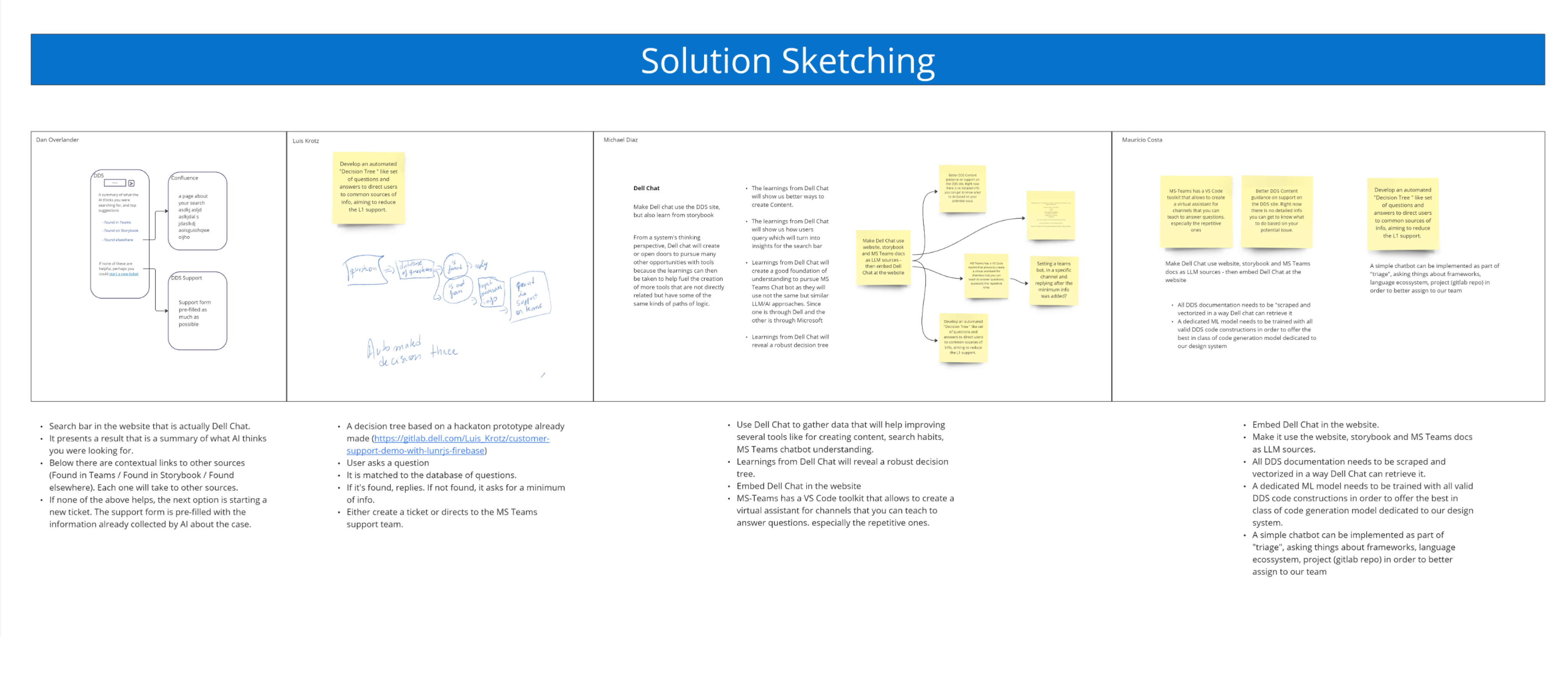
These insights were consistent with earlier research, where users expressed frustration with long response times, difficulty finding answers, and confusion around where to ask questions. Much of the information already existed—often buried in Teams threads—but wasn't easy to find or access.